
Have you ever wondered how to change your region on Steam to take advantage of cheaper prices or to access games that are not available in your region? Many gamers consider this option, especially with the difference in game prices and offers between countries, but not all methods are safe or legal.
Changing your Steam account region may seem simple from the outside, but in reality, it is very sensitive and carries several risks, such as account restriction or loss of some games if the system detects attempts to circumvent the rules.
How do I change my region in Steam?
- Connecting to a VPN in the target country
First, you should activate a VPN service and select a server in the country you wish to switch to, such as Türkiye or Argentina. It's advisable to ensure a stable connection before opening your Steam account.
- Update the store country from the account details
After logging into the Steam platform while connected to a VPN, go to your account settings, then to the Store and Country details section. There you can select the new country you want to make your official store location.
- Enter a valid local address
Steam will require you to enter a real address, including a city, postal code, and local telephone code. You can find accurate information online to fill in these fields precisely.
- Complete a small purchase using a genuine local payment method
How do I change my region on Steam? To confirm the region change on your Steam account, you must make a purchase using a credit card or payment method that actually uses the new region. Note that Steam prepaid cards are not an official method for confirming a region change in this case, so it's recommended to use a local, approved payment method to ensure a smooth and problem-free process.
- Checking the success of the change
After successful completion of your purchase, prices and currency within the store will automatically adjust to your new region. Please note that Steam only allows region changes once every three months.
What are the associated risks?
Changing your region on Steam using a VPN is not risk-free. The platform may take strict measures against accounts that exhibit suspicious activity or use illicit methods. This could potentially result in restrictions or even a permanent ban.
- Frequent use of a VPN can lead to the account being discovered and permanently closed.
- You may lose some games associated with your original region after changing regions.
- There is a possibility of subsequent purchases being rejected if the payment method is found to be incompatible with the new country.
- Steam's constant monitoring of "regional trade" attempts makes any unjustified change risky.
What are the payment terms and restrictions?
How do I change my region on Steam? Changing your region requires a successful payment via a local payment method in your new country, along with entering a real and accurate address that matches the chosen country in your Steam account. This change can only be made once every three months, so it's recommended to do it only when you actually travel or move to the new country to avoid any future issues that could affect your account or purchases.
Why do users change their region on Steam?
Many Steam users choose to change their region when they notice price differences for games between regions. Some countries offer prices in their local currency and at a lower value that reflects the income of their residents, making games much more affordable there. These price differences encourage some to switch regions to take advantage of special discounts or permanently reduced prices.
On the other hand, some users resort to this option when searching for how to change their region on Steam in order to access games or content that are not officially available in their region. Sometimes, certain games are blocked or unlicensed due to local laws or publisher decisions, making changing your region on Steam the only way to try these games and benefit from their full content, while being mindful of the policies and restrictions associated with this procedure.
Do prices vary by region?
Yes, prices on Steam vary significantly by region. Games in some countries, such as Turkey or Argentina, are often cheaper compared to those in the Gulf countries or Europe, because publishers adjust prices based on purchasing power in each market. These differences can be substantial, leading some to seriously consider changing their region.
What are the geographical restrictions?
Geographic restrictions are limitations imposed by Steam on the availability of certain games or content in specific regions. This may be due to local distribution agreements or censorship laws. For example, a game might be available in North America but blocked in the Middle East due to its content. By changing your region, a user can bypass these restrictions and access the game as if they were in another country.
Is changing the region against the rules?
It's important to note that changing your region on Steam is not related to price manipulation. Changing your region on Steam for pricing reasons is a clear violation of the platform's policies. Steam only allows region changes when a user has physically moved to a new country, and even then, payment information must be updated to reflect the new country. Accounts that exhibit frequent or suspicious region-changing activity may be subject to temporary or permanent bans. Therefore, it's strongly advised to strictly adhere to the rules to avoid any future account issues.
What are the limitations and risks when changing regions?
Changing your region on Steam isn't as simple as it seems; it involves strict limitations and risks that can directly affect your account. When deciding to change your region, it's important to understand the key points governing this process to avoid problems later.
How many times is it permissible to change the region?
Steam allows region changes only once every three months; a new change cannot be made until 90 days have passed since the last modification. This timeframe is intended to prevent price manipulation or circumventing regional restrictions.
Will I lose the games or the balance?
Changing your region may have some effects on your game library or account balance, especially if some games are not available in the new country.
- Some games may disappear from the library if they are not licensed in the new region.
- You will not be able to use recharge cards or payment methods designated for the old region.
- The remaining balance in the account may be restricted according to new local policies.
Therefore, it is best to check the availability of games before adopting the change to avoid any loss of content.
What effect will this have on the account's top-up?
After changing your region on Steam, as explained in the guide on how to change your region, you must use local payment methods from your new country only when making purchases on Steam. The platform does not accept transactions from external sources after the region change. It is also strongly advised to avoid using a VPN during payments or purchases, as Steam may consider this an illegal activity, which could lead to account suspension or even the revocation of ownership of games purchased after the region change.
It is also recommended to wait at least 72 hours after the region change before making any new purchases or shipments, to ensure the stability of the new settings and avoid any system errors.
How can I top up my account after changing my region?
After changing your region on Steam, the top-up process becomes more accurate than before. The system directly links your account to the new region, meaning old top-up cards won't work if they're for a different region. The currency and region must match between the account and the card for the transaction to be successful, such as using a Qatari Steam card for a Qatari account only.
It's also important to wait before attempting to ship or purchase after changing your region. Ideally, wait 72 hours for the change to be fully recorded in the system and for the new region's features to be activated, ensuring a smooth payment experience without any unexpected restrictions.
Do the recharge cards work in any region?
When searching for how to change your region on Steam, it's important to understand that gift cards don't work randomly across all regions. Each card is designed for use within a specific region only. Therefore, if you try to use a card from another country, Steam won't accept it unless it matches the region and currency specified in your account. For this reason, you should always ensure you purchase a gift card for your new region after changing your region to avoid any issues when adding funds or making purchases.
What is the safest way to charge after the change?
- Wait 72 hours after changing the region to ensure the new settings are stable.
- Purchase a local Steam recharge card that matches the country and currency registered in your account.
- Access the Redeem Steam Wallet page via a browser or the Steam app.
- Log in to the account whose region has been changed.
- Enter the card code in full and press Confirm Shipping to have the amount added directly to the balance.
With these steps, you can top up your Steam account after changing the region in a safe and compliant manner with official rules.
What are the best Steam top-up cards after changing regions?
If you've changed your Steam region and are looking for compatible top-up cards, TechCard offers a secure and reliable selection of digital Steam cards, covering almost all Gulf countries at competitive prices. The store provides easy and fast electronic payment methods, along with 24/7 technical support to ensure a smooth and convenient shopping experience for all users. Explore them in the Gaming Platforms section .
Qatar Steam Card 100 Riyals
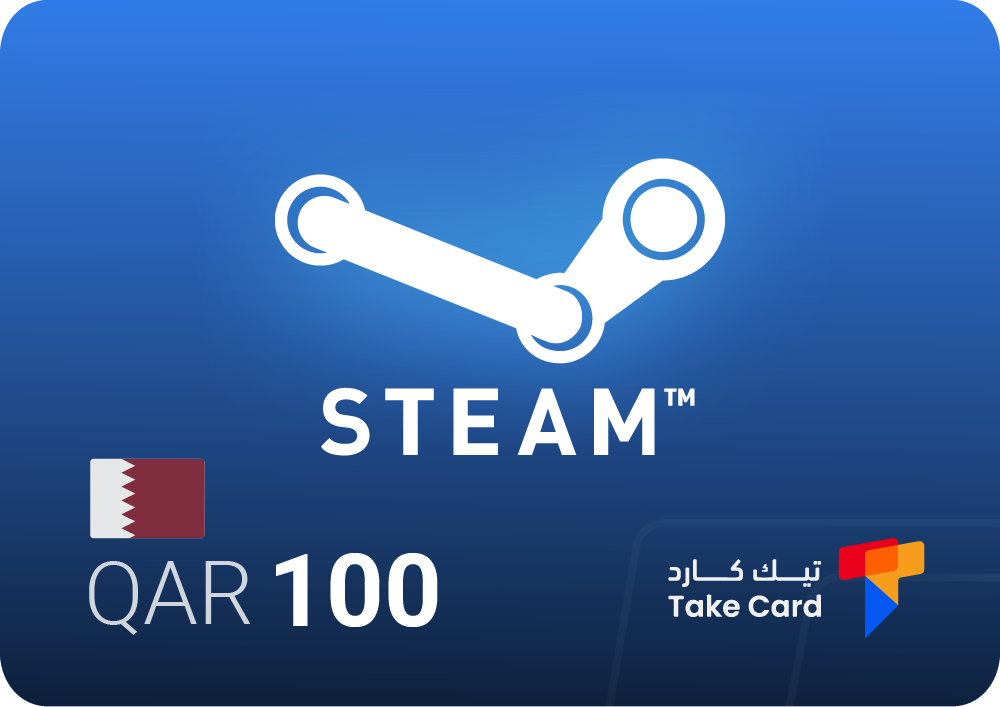
A 100 Qatari Riyal Steam card is an ideal option for Steam accounts registered in Qatar. The card is entirely digital and easily activated by entering the code on the Redeem Steam Wallet page after logging into the account.
What makes it special is the ease of purchase without the need for any bank details, with the possibility of using it to top up personal balance or even gifting it to friends within the gaming community.
Steam card Kuwait 15 dinars
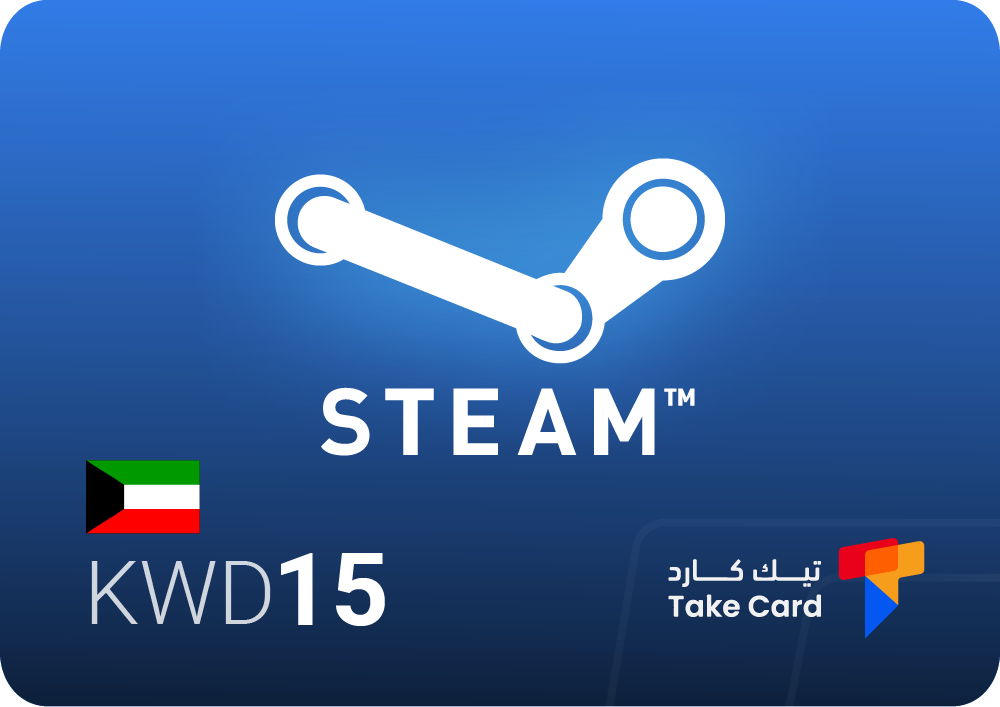
The Steam card for 15 Kuwaiti dinars is for Kuwaiti accounts only, and provides a guaranteed way to purchase games and additional content on Steam.
After payment is completed, the code is sent immediately with a simple explanation of the activation steps, making the experience quick and easy without the need to enter credit card details or go through complicated steps.
Oman Steam Card $100
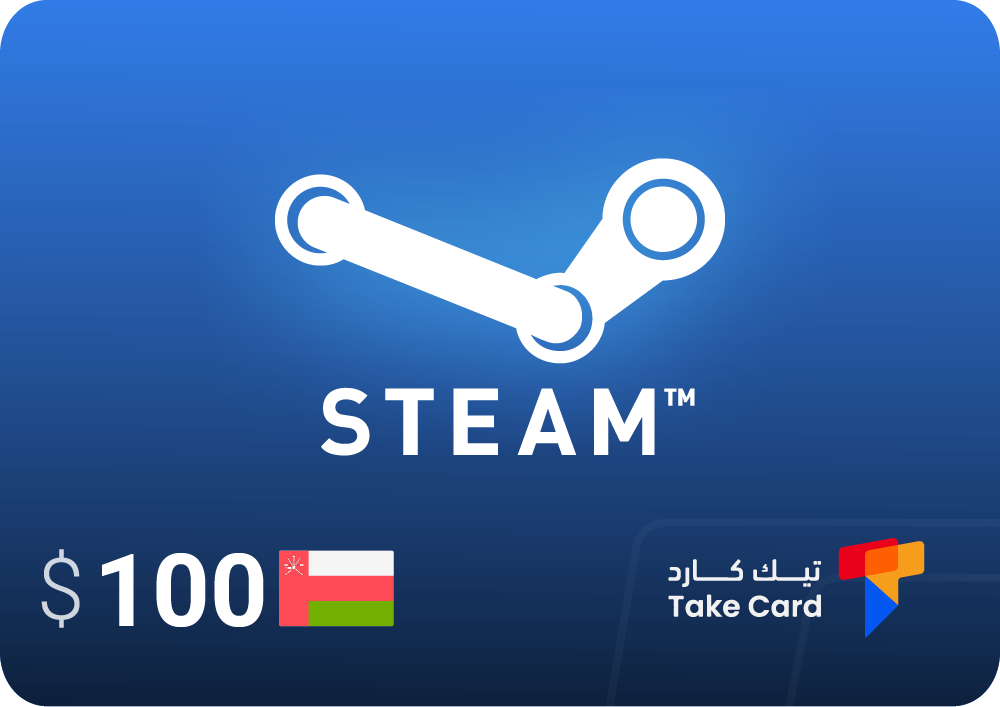
A $100 Omani Steam card is available , specifically designed for accounts registered in the Sultanate of Oman.
The code is sent immediately after payment and can be used to top up your balance and purchase any content available within the Omani Steam interface. The card offers a high level of security and ease of use, without the need to link the account to any banking payment method.
Important tips when changing the region in Steam
- Use a VPN only during the region change process or when completing payment, then return directly to your original network to avoid any complications.
- Avoid relying on unofficial intermediary services or purchasing from suspicious websites, as this may lead to account bans or data loss.
- Make sure that the payment method and address used match the new country, as any discrepancy may cause the change to be cancelled or rejected by the system.
- Avoid using a VPN continuously while gaming or during everyday purchases, as repetition attracts attention and may lead to your account being banned.
Should a VPN be used every time?
No, using a VPN is only required the moment you change the region on Steam or during the first payment after the switch, after which it is best to return to the original connection to avoid any tracking or risk to the account.
How do you keep your account secure?
- Activate Steam Guard before making any changes, as it is the primary layer of protection for your account against hacking.
- Use a strong password that is different from other passwords to reduce the likelihood of unauthorized access.
- Do not share login credentials or links sent from unknown sources or via email.
- Regularly check your login history and any changes to your security settings within Steam.
How long should I wait after the change?
It is always recommended to wait 72 hours after changing the region in Steam before making any new purchase or shipment, so that the new country is permanently installed in the system without problems or conflicts.
Frequently asked questions about how to change the region in Steam
How do I change the region in Steam?
You can change your region on Steam by connecting to a VPN service in a new country, then logging into your Steam account and updating your store's country in your account settings. After that, you'll need to confirm the new address and complete a purchase using a local payment method that matches your chosen country. Note that this change is only available once every three months, so choose your country carefully.
How to change the store area in Steam?
When your geographical location differs from the country registered in your Steam account, you will be presented with the option to change your country during the game purchase process or in your shopping cart. In this case, the payment method used must be local and registered in the new country. You cannot repeat this process until three months have passed since your last change, according to Steam's official policy.
How can I change the currency in Steam?
Changing the currency in Steam is directly linked to changing your account's region. If you change your region, the currency will automatically adjust to the new country. However, if you change your region within the last three months, you will not be able to change it again until that period has elapsed. Please note that any region change is at your own risk, and you will not be entitled to any compensation for any account or balance issues that may arise after the change.